Migration Complete. When Is It Safe to Shut Down the Old System? (+ How to Do It on Mobile)
The decision to permanently shut down a legacy system is rarely a purely technical matter. It is a process that requires taking into account business risks, business continuity, and the costs of maintaining technical debt, which often accumulates over many years.
Simply moving users to a new solution is not enough to consider a migration complete. There are still dependencies between systems, access to historical data, and the decommissioning of infrastructure and related services to address. So how can you determine whether the old system can be safely shut down?
1. How can you make sure no one is still using the old system?
Before shutting down an application, you need to verify whether it is still being used by users, business processes, or external integrations. Ideally, this assessment should be based on continuously collected data, while the system is gradually restricted and the impact of each change is monitored.
Three measures can be particularly useful:
- Audit traffic and logins. Analyzing application logs, API calls, and database access over several months can help identify active processes, users, and integrations. A longer observation period is especially important for processes that run infrequently, for example once per quarter.
- Switch to read-only mode. Blocking the ability to write or modify data can reveal forgotten processes or integrations that are still trying to use the legacy system. It also reduces the risk of data being written to two systems in parallel.
- Run a scream test. This involves temporarily and deliberately blocking network traffic or stopping selected services. The goal is to see whether their unavailability causes errors, incidents, or user reports. Such a test should be carried out with appropriate monitoring and with the ability to restore the affected services quickly.
Only the results of these activities can provide a reliable basis for deciding which parts of the legacy environment can be safely shut down.
Mobile perspective: what about older app versions?
With mobile applications, an additional challenge is that you can never be completely certain that every user is running the latest version. Older releases may remain installed on devices long after a new solution has been deployed.
Analyzing DAU (Daily Active Users) and MAU (Monthly Active Users) broken down by app version can help. This makes it possible to determine how many users are still actively using older releases.
The risk can be reduced with a Force Update mechanism that encourages or requires users to update the app to a supported version. It may also be worth disabling push notifications for unsupported versions so that outdated applications are not woken up while running in the background.
2. How can you preserve access to historical data without maintaining the entire application?
After a migration, there is often a need to occasionally retrieve data stored in the old system. Maintaining the entire technology stack solely for that purpose, including servers, databases, and the application itself, can generate significant costs.
This is why data archiving should be planned in advance, along with the method for making archived data available later. Possible approaches include:
- Exporting documents and data and storing appropriately secured copies.
- Moving data to a data warehouse, either in raw or denormalized form, so that it can later be searched and analyzed.
- Building a simple archival tool that allows users to locate specific records, for example by their identifiers.
The right approach depends primarily on business requirements. The organization should determine how long the data must be retained, what level of detail needs to be preserved, and how quickly users should be able to retrieve it.
Applicable regulations, data retention requirements, archive security, and access permissions must also be taken into account.
Mobile perspective: where should archived data be made available?
Mobile applications are rarely used to browse data from many years ago. If such a need exists, you can consider making historical data available through a web panel or allowing users to request a report that is sent to a specified email address.
It is also important to comply with legal requirements and with the rules of Google Play and the App Store, including requirements concerning account deletion and associated data. These should be taken into account both when designing the archive and when retiring the application.
3. What needs to be done after migration to eliminate the costs of maintaining the old system?
Switching users to the new solution is only one stage of decommissioning the legacy environment. As long as parts of its infrastructure remain active, licenses are still in place, or external services continue to be paid for, the system continues to generate costs.
For this reason, the final stage of a migration should include both technical and organizational work.
Technical work
- Decommission the infrastructure. Stop and remove unnecessary virtual machines, database instances, disks, and other resources.
- Clean up networking and access. Remove unnecessary DNS records, revoke unused certificates, delete service accounts, and clean up outdated entries in Active Directory and SSO systems.
- Create a final backup. Prepare a final, consistent copy of data and configuration, verify its integrity using checksums, and move it to a secure archive.
Organizational work
- Terminate licensing and support agreements. Cancel unnecessary subscriptions, licenses, and contracts with software vendors and system integrators.
- Manage hardware. Securely erase data from storage media, return leased equipment, and release resources in data centers.
It is also worth making sure that specific people are accountable for individual actions and that service shutdowns have been formally confirmed. This helps prevent situations in which an organization continues paying for unused resources for months after the migration.
Mobile perspective: what should you remember when retiring an application?
For mobile applications, the checklist includes several additional areas:
- Remove the application from app stores. Remove it from distribution in App Store Connect and change its status to Unpublished in Google Play Console. Keep in mind that removing an application from a store does not automatically remove it from the devices of existing users.
- Decommission external SDKs and services. Cancel paid tools billed, for example, based on the number of active users (MAU) or devices. This may include analytics, crash reporting, chat SDKs, or mapping services.
- Clean up CI/CD infrastructure. Disable dedicated paid macOS and Linux runners used to build and distribute older versions of the application.
- Secure signing keys. Safely archive distribution certificates and Android Keystore keys, taking into account the application’s signing model. They may be required if an update needs to be released in the future or if other operations need to be performed on the existing application package.
So when can the old system finally be shut down?
The safest time to shut down a legacy system is when the organization has confirmed that all critical processes and integrations are working in the new environment, users no longer need the old application, and all required historical data has been properly secured.
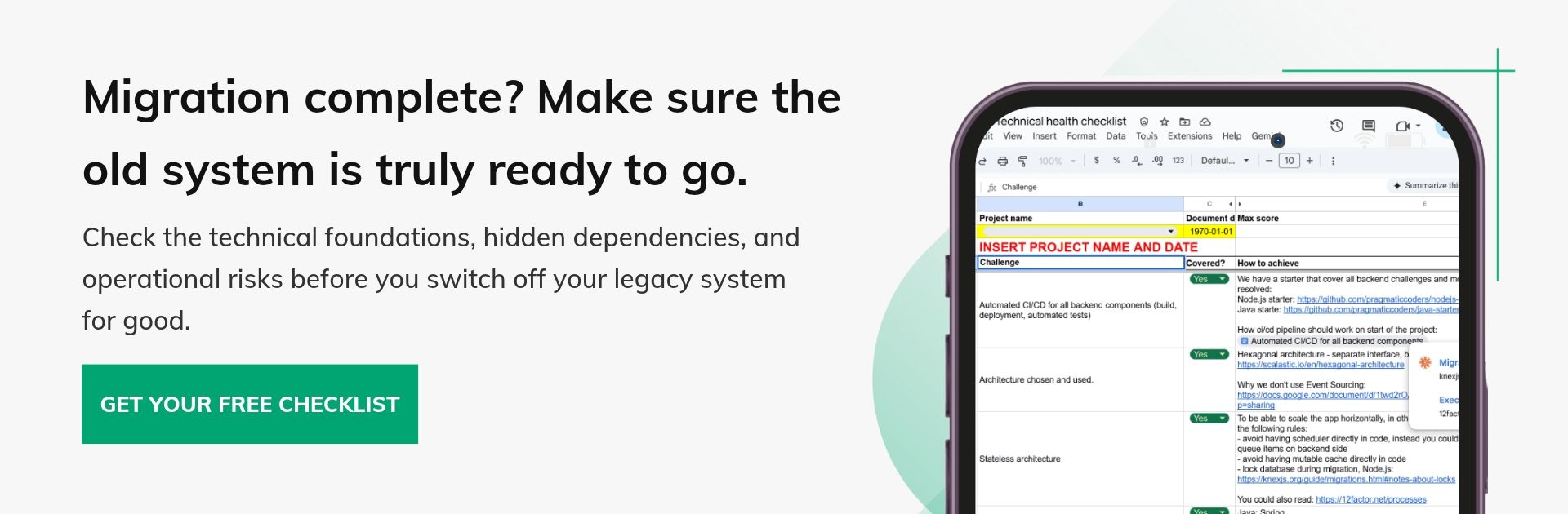
Before decommissioning the legacy environment, it is also worth checking whether the new system is technically ready to operate independently. Our Technical Health Checklist covers areas such as architecture, testing, CI/CD, observability, data management, and security, helping teams identify gaps that could become operational risks after the old system is switched off.