Refinement with AI: How to Prepare Requirements for Spec-Driven Development
AI can speed up implementation, but the quality of the result still depends on what the team gives it as input. If the requirements are unclear, the context is scattered, and the expected outcome lives mainly in the Product Owner’s or the developer’s head, the model will fill the gaps with its own assumptions.
That is why refinement matters more in a Spec-Driven Development approach. At this stage, the team should bring the requirements to a level where they can become an unambiguous specification, and then check that everyone understands that specification the same way.
In one of our teams, refinement started taking about 30% of the sprint. There was also a hypothesis that, over time, it could take up as much as half of the team’s work. Implementation had become faster. The faster AI can go from a specification to a working solution, the more of the work belongs earlier: in preparing the right problem, the context, and the expected system behavior.
How does refinement change in Spec-Driven Development?
In a classic process, refinement often serves to clarify the backlog before implementation starts. The team discusses the scope of the task, dependencies, acceptance criteria, and potential risks.
Spec-Driven Development adds another goal: you need a description of the problem and the solution that can serve as reliable input for AI.
That changes the nature of refinement. A rough shared sense of the task leaves too much open. The specification has to narrow the room for interpretation enough that the model does not have to guess:
- what business behavior is expected,
- which cases to handle,
- which existing components it can use,
- which decisions have already been made,
- which technical constraints apply,
- what the end result should look like.
A good specification does not come from a single prompt. It needs organized context, a conversation in the team, and several rounds of verification.
Below is a process you can treat as a starting point.
1. Start from product knowledge, not from a user story
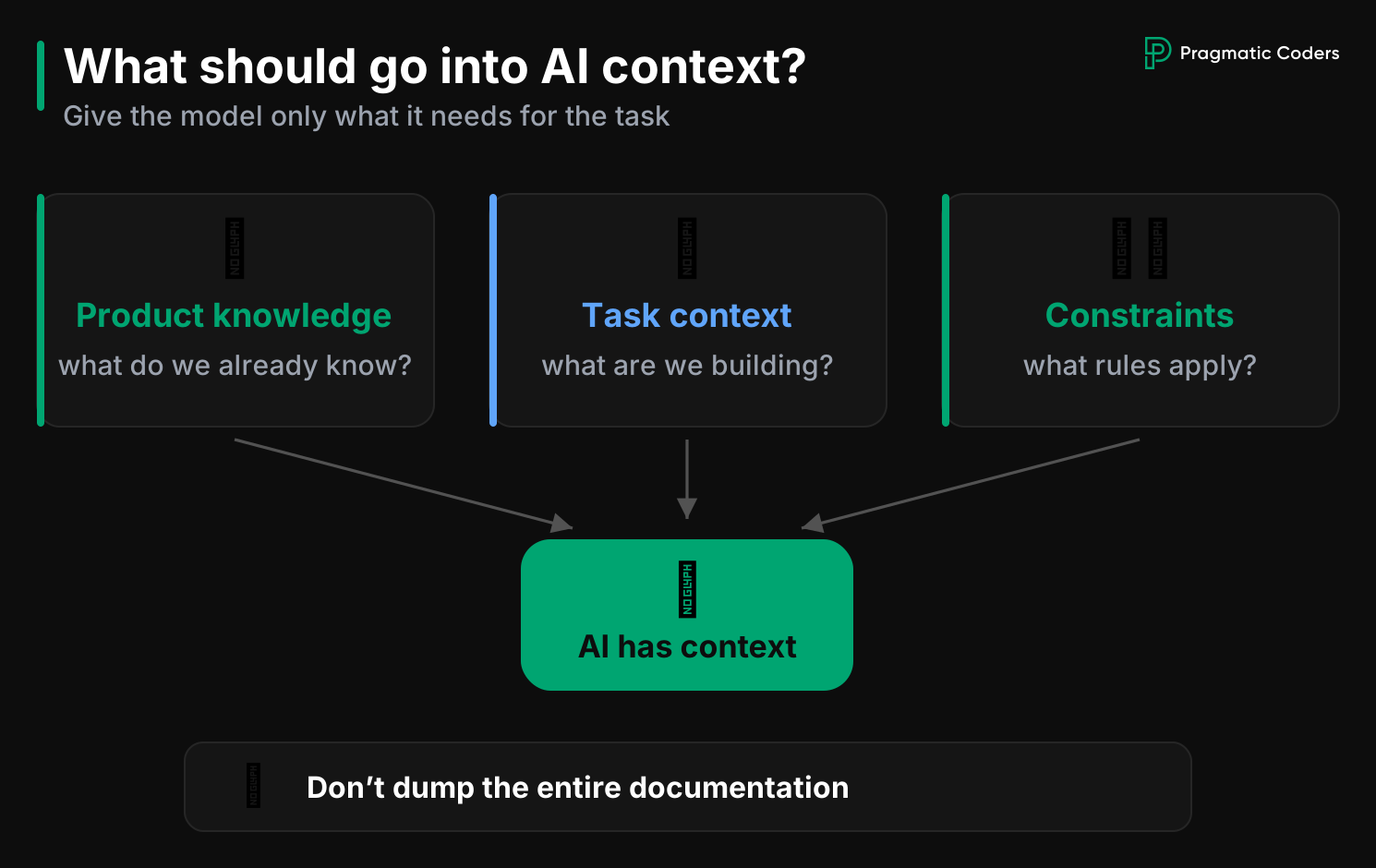
First, make sure the information needed to prepare the task exists in a place you can come back to.
That can be a knowledge base, product documentation, a wiki, or a knowledge graph. The tool is secondary. What matters is that the knowledge is:
- up to date,
- linkable to specific features,
- available to the team,
- granular enough that you can pull only the fragment of context you need.
In one of our teams, that resource lived in Obsidian. It held information about the existing system, planned changes, conversations with users, and product decisions. At first, one person looked after it. As the project grew, maintaining it through a single custodian stopped scaling. Responsibility started to move to the whole team.
That matters for AI as well. In the same project, loading the knowledge graph alone could take about a quarter to a third of the available session context. The team started organizing information into smaller, linked pages and deciding more deliberately what should actually reach the model.
Check this in your team:
Before you prepare a task, answer three questions:
- Where is the source of truth for this part of the product?
- Is the information up to date and free of contradictions?
- Does AI need the whole documentation, or only a specific fragment?
The more unnecessary context reaches the model, the higher the risk that it will base the answer on information that does not matter for the task.
2. Describe business behavior in scenarios
The next step is to turn product knowledge into concrete behaviors.
Write scenarios before you write a long feature description: what the user does, in what situation, and what result they should get.
One way to do that is Gherkin, a format built on a structure like:
- Given
- When
- Then
Its value is that people can read it, and it can be turned into automated tests.
In the process we looked at, business scenarios were one of the core artifacts. The same representation helped the team keep a shared understanding of the feature, document system behavior, and later create tests.
For example:
Given the user belongs to several groups
When they receive an email notification
Then they should immediately recognize which group sent the message
A record like that still leaves some details open. It gives the team a much better starting point than a general note such as “let’s label the sender of the notification.”
Check this in your team:
For each scenario, ask:
- What user problem are we solving?
- What is the expected behavior?
- What exceptions can appear?
- What must stay unchanged?
- How will we know the feature works correctly?
If some of these questions have no answer, that is the material for refinement.
3. Turn the business context into a short story
Once the scenarios are in order, you can prepare the task in the backlog.
Base it on the smallest set of information needed to understand the goal, and link the rest of the context to the knowledge sources.
In one of our teams, a relatively short user story went into Jira, together with links to the knowledge base. The backlog stayed a pointer to the work, and the full documentation stayed in its source. The task said what to achieve. The detailed context stayed in the linked materials.
That separation also matters when you work with agents. Keep these apart:
- the goal of the task,
- the business context,
- the constraints,
- the solution specification.
Then it is easier to control which piece of information should be used at a given step.
Check this in your team:
A good story should let you answer:
- who has the problem,
- what they want to achieve,
- why it matters,
- where to find the context you need,
- what is out of scope.
If the story tries to hold all the knowledge about the feature, it starts mixing levels of information.
4. Review the story from several perspectives
This is one of the more practical ways to use AI before implementation itself.
You can assess the story from the point of view of specific readers, and go further than asking the model whether the user story is “good.”
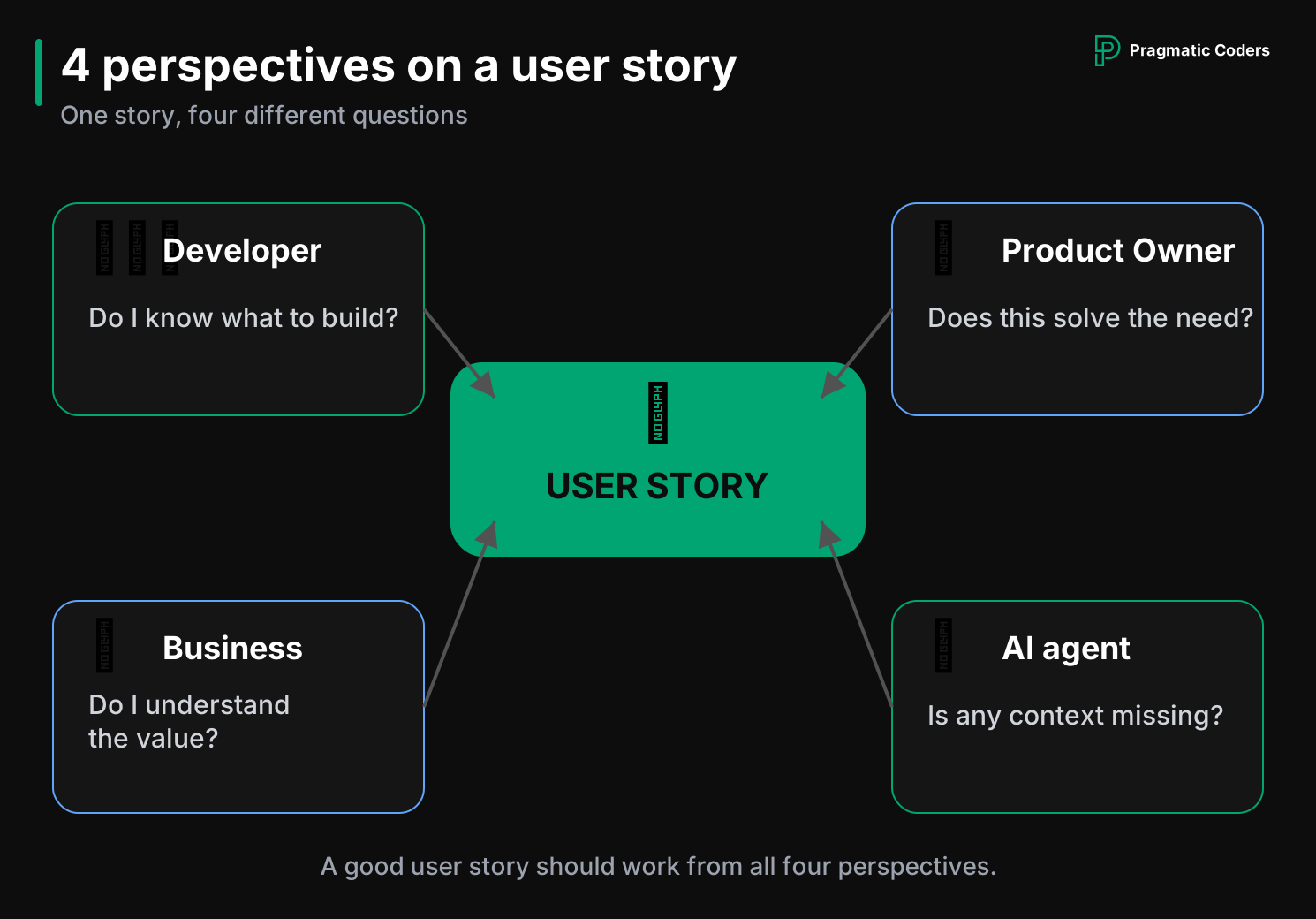
In one of our processes, extra agents ran before a task was sent to Jira. They checked whether the description was clear from several points of view. One perspective stood in for the developer, another for the person supporting refinement, another for the business stakeholder, and another for the person preparing the requirements.
Sometimes it took two or three iterations before the task was accepted from every perspective.
This is a useful way to use agents as adversaries. Their job is to find gaps.
You can ask them questions such as:
- What will a developer miss if they were not in the conversation with the customer?
- Which decisions are still implicit?
- Which criterion can be read in more than one way?
- What does the stakeholder need in order to understand the business effect of the change?
- Does the description include information that sits outside the specification?
Check this in your team:
Run one task through three roles:
- Developer: Do I know what to build, and what I still do not know?
- Product Owner: Does the result match the business need?
- Stakeholder: Do I understand the value this change delivers?
If each role finds different gaps, refinement is doing its job.
5. Generate mockups before implementation starts
One of the most effective ways to check shared understanding is to show the solution.
A text description can be read in several ways. A mockup quickly shows where those readings differ.
In one of our projects, the developer prepared high-fidelity mockups with AI during refinement. They were based on the existing code and the design system. The model used the application’s components and data from Figma, so the mockup stayed close to the real interface. In one of the examples we discussed, that produced 12 desktop and mobile variants.
This approach has several advantages.
- First, the Product Owner can see sooner that their intention was understood differently.
- Second, the developer has to confront the requirement with a concrete interface and behavior.
- Third, AI later receives an extra representation of the expected result.
The mockup works as a tool for communication and validation.
Check this in your team:
Go beyond the question of whether the screen looks good.
Check:
- whether it shows the right system state,
- whether it covers the most important scenarios,
- whether it uses existing components,
- whether the behavior matches the requirements,
- whether it quietly introduces new product decisions.
A mockup should stay inside the scope of the task.
6. Build the specification in the repository
In Spec-Driven Development, the specification is the central artifact.
It should live as close to the code as possible, so you can version it, review it, and tie it to a specific change.
In the process we discussed, the specification was stored in the repository on a branch linked to the task. Because of that, the team knew:
- where to find it,
- which change it belongs to,
- who worked on it,
- which version of the specification matches a given implementation.
That is a strong advantage over a specification kept only in the task tracker. The repository lets you put it through the same change-control process as the code.
What should a good specification include?
The scope depends on the project, but it is usually worth including:
- the business goal,
- expected behaviors,
- scenarios,
- constraints,
- components to use,
- interfaces and dependencies,
- mockups or links to them,
- non-functional requirements,
- edge cases,
- how to verify the result.
If the model is allowed to decide something on its own, set the limits of that decision.
Example:
Use the existing notification component. Do not create a new variant of the component if the current one meets the requirements. Keep the existing API. Add only the group name.
That sharply limits the risk that AI will “improve” the system beyond the scope of the task.
7. Ask the developer to explain the solution in their own words
This is one of the most important stages in the whole process.
You can have a good user story, mockups, and a specification generated by AI, and still be unsure whether the person responsible for the task actually understands the result.
During refinement, the developer should say in their own words:
- what problem they are solving,
- how the system should behave,
- how they intend to build it,
- where they see risks,
- which decisions have already been made.
In one of our teams, this moment became the core of refinement. The developer showed the mockups and talked through the solution. The person responsible for the product could immediately check whether the proposed change matched their intention.
That conversation does extra work: it limits the risk that the developer becomes only a go-between for successive AI agents.
You can talk convincingly only about something you understand. Refinement gives the team a chance to check that the person still controls the solution they are responsible for.
8. Only then start implementation
If the earlier stages were done well, implementation should become much more predictable.
The model receives:
- the context it needs,
- concrete scenarios,
- a verified user story,
- constraints,
- mockups,
- a specification,
- a pointer to existing components,
- criteria for checking the result.
The model can then carry out a much more constrained task, with far less room to invent the solution.
That is one of the main differences between chaotic vibe coding and an engineering use of AI. In vibe coding, the model gets a broad goal and a lot of freedom. In an engineering use of AI, its room to act is controlled by the specification, the architecture, the standards, and the review process.
Why can refinement take more time than before?
This can look paradoxical.
AI is supposed to speed up the work, and the team starts spending more time in meetings and on preparation?
In one of our teams, refinement already took about 30% of the sprint. There was an assumption that, over time, it could reach about 50%. The developers themselves started asking for more of these meetings, even though a few months earlier they had complained there were too many.
The reason is simple.
When implementation took several days and refinement took a few hours, most of the cost sat on the coding side.
When AI shortens implementation to a few hours, the balance changes. Preparing the right task starts to take a larger share of the whole cycle.
That figure comes from one specific project, and it was a forecast of how that team might keep working. It is a local observation, and another team can land somewhere else.
Watch something else as well: how much time the team loses because tasks were underprepared.
If, after implementation starts, you regularly have to go back to the Product Owner, fix the specification, change the mockups, or correct the model’s assumptions, some of that work belongs earlier.
What can the whole AI refinement look like?
In practice, the process can be reduced to this flow:
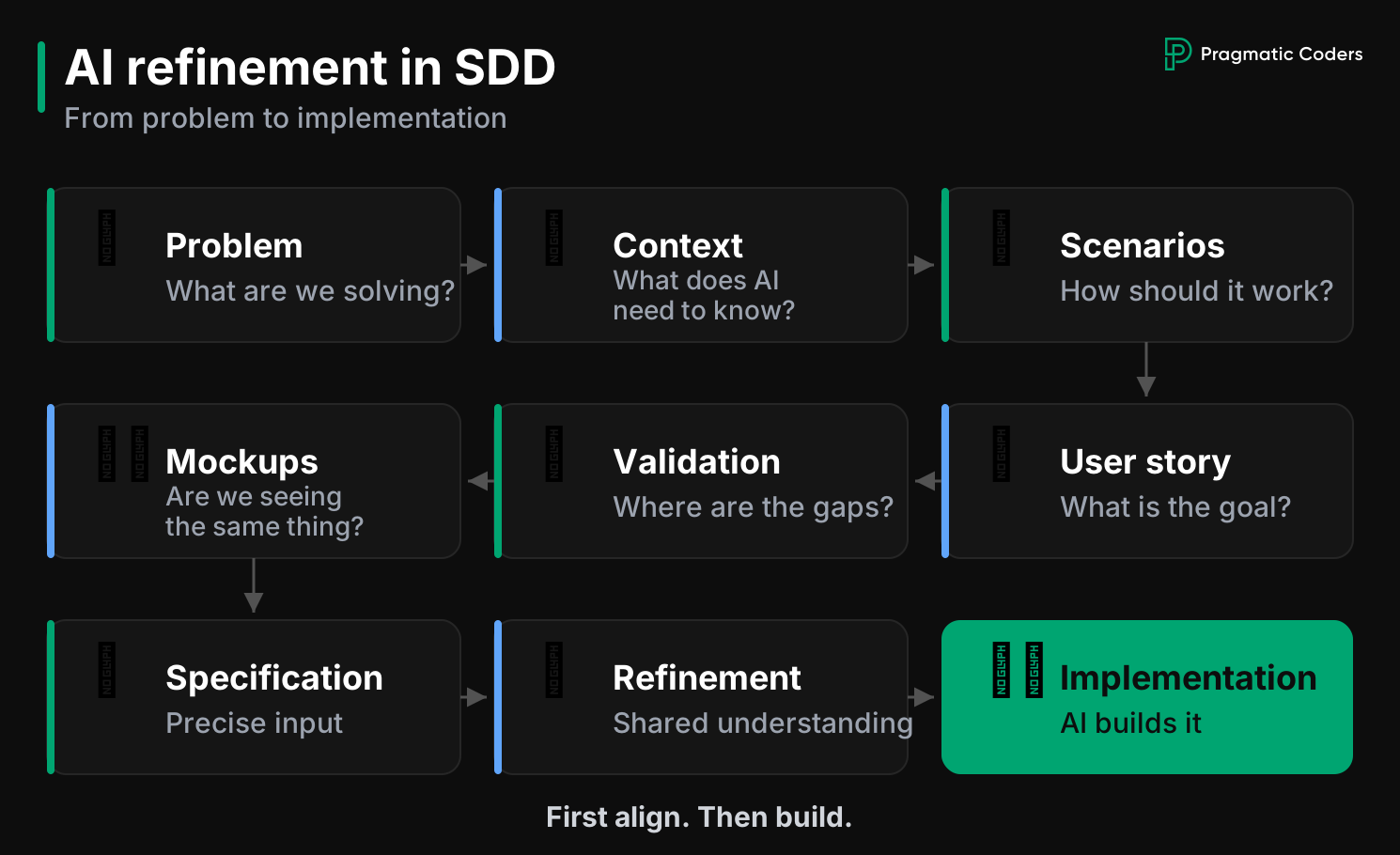
Product knowledge → business scenarios → user story → verification by agents → mockups → specification → shared refinement → implementation
Each stage has a different job.
- Product knowledge supplies context.
- Scenarios describe the expected behavior.
- The user story sets the goal of the change.
- The verifying agents look for gaps and ambiguity.
- Mockups let you see the result quickly.
- The specification turns the agreements into precise input for AI.
- Team refinement checks shared understanding.
- Implementation uses the constraints prepared earlier.
Each of these artifacts should do a different job. If one document tries to be a business requirement, a technical instruction, a UI specification, and a history of product decisions at the same time, it quickly becomes hard to maintain.
Where to start in your own team
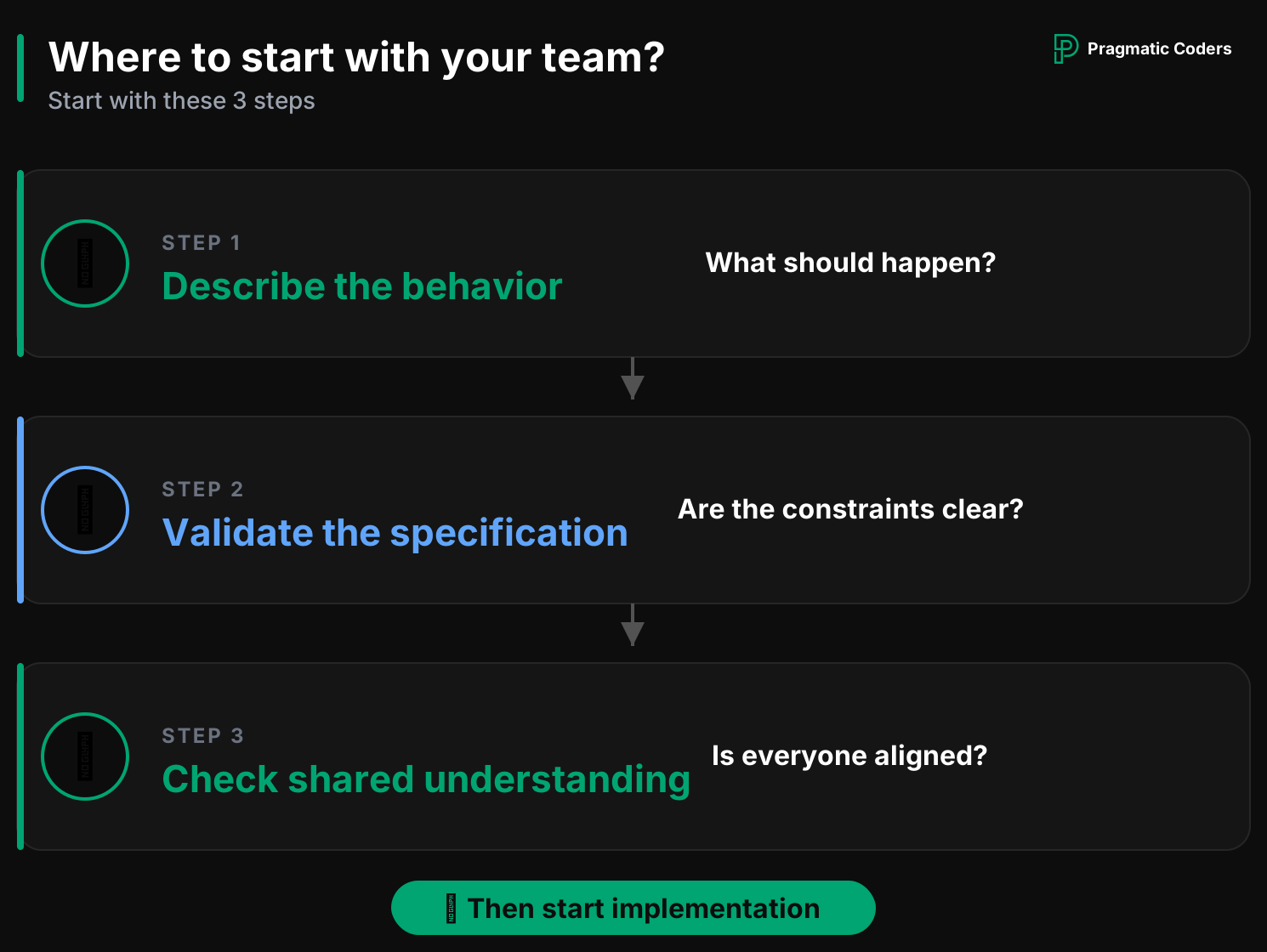
You do not have to build the whole process at once, with a knowledge graph, agents, and automatic mockup generation.
Start with three simple rules:
- Before implementation, describe the expected behavior in concrete scenarios.
- Ask the developer to prepare a specification and show it during refinement.
- Do not start implementation until the person responsible for the task can explain in their own words what should be built and why.
Later, automate the next pieces: generating mockups, checking stories with agents, pulling the right context, or creating the specification in the repository.
The order matters most. AI can speed up the execution of a decision, but the team still has to prepare that decision deliberately and check that it is understood.
That is why, in Spec-Driven Development, refinement becomes one of the most important stages of the work. The faster you can build a solution, the more it pays to make sure earlier that you are building exactly what you need.
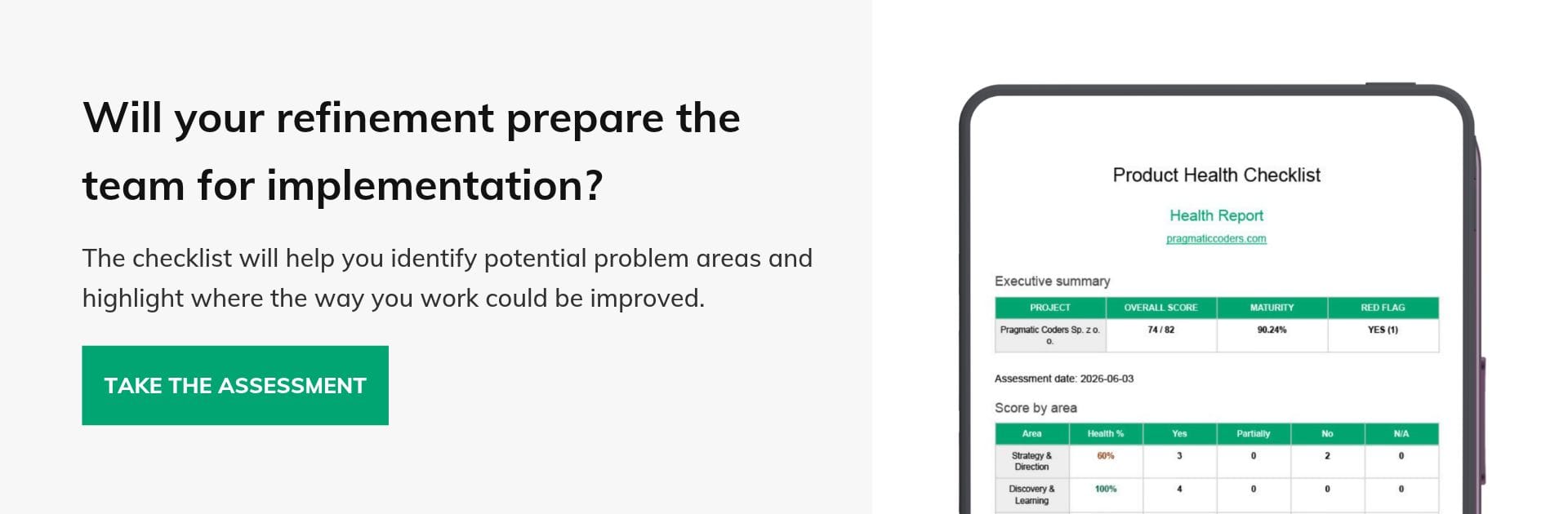
Check whether your product preparation process is ready for work with AI
A good specification starts earlier than in the repository. It also matters how the team prepares the backlog, validates solutions, and uses information from customers.
Walk through the Product Health Checklist with your team and see which parts of the product process are worth putting in order before you develop Spec-Driven Development further.
DOWNLOAD THE PRODUCT HEALTH CHECKLIST