Why AI Doesn’t Increase IT Efficiency: Seven Areas Worth Checking
You bought the licenses. The team is using AI. New features still reach users just as slowly. Check where work stalls from idea to release. Here are seven areas worth analyzing with your team.
1. Work Process: Are Improvements Developed With the Team?
You can design a way of working with AI, prepare the instructions, and make the tools available, then discover that people use them completely differently than you assumed.
At Pragmatic Coders, we found that trying to design that kind of solution outside the team’s daily work ran up against their needs and habits. Teams working in a similar process had their own habits we had to account for. One of the first lessons was this:
“You can’t invent a system from the sidelines, separate from the process people actually work in.”
So we started with a simple way of working, tested it on real tasks, and improved it based on the team’s experience. In our projects, Scrum was the starting point. We kept that way of organizing work while developing practices for preparing requirements and using AI.
Check this in your team: does the agreed way of using AI match how the team actually works?
Trace one completed task from when the requirements came in through to release. Identify where the work departed from the process, and why. Then choose one improvement to test on the next tasks. That might be a shared way of checking the spec before implementation starts.
2. Decisions and Feedback: Does the Team Have Work Ready?
If developers finish tasks faster, they need the next decisions sooner. The person responsible for the product has to keep up with clarifying requirements, setting priorities, and gathering information from customers.
We ran into that constraint in Pragmatic Meet, our free platform for organizing events. After the app was rewritten with AI, a four-person development team started coding faster. The unexpected obstacle for the developers turned out to be the Product Owner: preparing product decisions started to slow the rest of the work. Bartek Czarnecki, who leads the team, put it plainly: “I became a complete bottleneck.”
The problem was the time in the sprint devoted to making decisions. It came out in the discussion that the next sprint’s goal was set only at the previous sprint’s wrap-up, or just before it. That was too late. The team needed more refinement: they needed to clarify upcoming work together earlier.
The split of responsibilities also needed a rethink. In this setup, a developer who needs information from a customer can ask that customer directly. The Product Owner helps the team understand the business context and prepare for those conversations.
Check this in your team: which decisions were you waiting on in the last sprint, and which questions could have been clarified earlier?
3. Requirements: Does Everyone Picture the Same Result?
A finished spec can make a task look ready to build. You still need to check whether the developer and the person responsible for the product picture the same result.
In Pragmatic Meet, a task on identifying the sender of email notifications made this clear. The goal was to make it easier for users to tell which group was sending them a message. While the task was being prepared, 12 mobile and desktop mockups were produced that reused existing app components.
The developer showed them in refinement and explained in his own words what he planned to build. Bartek described the benefit of that conversation like this:
“I know exactly whether this is what I wanted to build.”
Underneath was a spec stored in the repository. In spec-driven development, that spec is the basis for implementation. The mockups and the conversation, by contrast, let the team check that everyone understood the change the same way before anyone started building the feature.
That kind of preparation started to take up a larger share of the team’s work. Bartek estimated that in the last sprint they discussed, refinement took about 30% of the time. On top of that, developers started asking for more meetings, even though they had previously said there were too many.
Check this in your team: can the person doing the task explain its goal and expected behavior without reading off the generated spec?
For the next feature, discuss a mockup or a specific usage scenario. Ask the developer to present the solution in their own words. Check which behaviors you already agree on and which still need a decision.
4. Technical Foundations: Can Faster Changes Be Shipped Safely?
Code is written faster, but checking it still takes a long time? Further changes introduce inconsistencies, and releases still need manual steps? Take a closer look at architecture, standards, tests, and how you automate software delivery.
From earlier projects we know this problem: solutions that do almost the same thing start to multiply. A vivid example is an app where a button could be implemented in 30 different ways. AI can also keep producing more variants until it is given clear constraints. One of those constraints can be put simply:
“Here’s one standard. Use only that.”
Those rules have to be discovered as you work and included in the instructions for AI. You need a way to catch recurring problems and update the guidelines.
Automated tests matter just as much, and so does CI/CD, which automates how you integrate and ship changes. In older systems, you can already use AI while you tidy up those foundations: analyzing the code, flagging places that need tests, and helping prepare them. Recreating the business logic still needs people in the loop.
Check this in your team: what currently gets in the way of shipping more changes safely?
Pick an area where fixes or manual checks come up often. Check test coverage, how you deploy, and the standards in place. Also make sure the instructions for AI point to existing components and to the rules to follow.
5. Knowledge and Context: How Much Information Does AI Get Up Front?
Are developers hitting the limits of their AI tools and asking for more expensive subscriptions? Then check what information the model processes as it works. If every task comes with extensive project documentation, the model also spends tokens on materials that may not be needed to complete the job. So how you pass project knowledge to the model affects how you use the resources you have.
In one of our projects, Pragmatic Meet, developers started saying: “Tokens are running out.” At the same time, the PO noticed that loading information from the project knowledge graph alone took up about a quarter to a third of the available AI session context. Much of the space for further conversation and work was already used up at the start. That prompted the team to look at how it organizes knowledge and how it feeds that knowledge to the model.
The team developed an approach based on small, linked pages. Responsibility for the resource changed too. At first, one person looked after it. Over time, maintaining the knowledge became a job for the whole team.
This example shows why, as a project grows, you should monitor both whether the documentation is up to date and how much information you send with a given task.
Check this in your team: do you know what materials AI receives as it works, and which of them are actually needed?
Review the context of one recent session. Look for information that is outdated, contradictory, or unrelated to the task. Also decide who updates the documentation after a customer conversation or after a product decision changes.
6. Measuring Results: What Are You Comparing Your Results Against?
Let’s take an example: one person spends PLN 7,000 on tokens, another spends PLN 70. “So who is doing better?” Without information about the results of the work, it’s hard to answer. The bill alone doesn’t explain how much got delivered, or whether that cost was justified.
That is why at Pragmatic Coders we track Monthly Delivery Rate, a metric based on the number of delivered business items from the backlog, such as user stories. We were already collecting that data before we used AI intensively, so we have a baseline for tracking change over time.
For Pragmatic Meet, we recorded a speedup of about four to five times. When you interpret that result, though, one detail matters: the team was also using AI before the platform rewrite. The larger speedup came after the architecture and the way of working changed, including the introduction of a spec-based approach. So the result applies to a specific project and the whole set of changes.
Apply the same caution to your own measurements. Knowing that developers feel more productive is useful, but it still leaves the question of how that change affected software delivery.
Check this in your team: what data do you use to judge the AI implementation a success?
Choose a delivery measure you will track regularly. Also decide how you will check quality and costs. When you compare periods, record other changes, for example a new architecture, team composition, or the way requirements are prepared. If you do not have historical data, the current result can be the baseline for the next experiment.
7. Organizational Learning: Do Good Solutions Reach Other Teams?
One person has worked out an effective way of using AI. Another team is solving a similar problem from scratch. Check how knowledge moves between projects, and what helps you reuse it.
In Pragmatic Meet, a mechanism was built to check user stories before they are sent to Jira. The description is assessed from four perspectives: a developer, an agent that helps with refinement, a business stakeholder, and the person preparing the requirements. Sometimes it takes two or three iterations before a story passes every assessment.
One of those perspectives was based on a specific stakeholder, Wiktor, who looks at the backlog. Bartek described it this way: “I literally have a Wiktor in there.” The point was to check whether the description would also be understandable to someone looking at it from a business perspective.
We started turning experiences like that into shared guidance, constraints, and rules for later teams working with AI. A single solution then becomes a starting point for experiments in other projects.
That also requires updates. A written practice should come up for review again as teams gather more experience. In our implementations, this way of working kept evolving.
Check this in your team: what happens to a useful solution when its author finishes working on it?
Pick one proven experiment. Describe the problem, the approach you used, the conditions for using it, and the result. Then test it in another team. Assign someone to collect the feedback and update the shared guidance.
Start With the Problem You Already See
Walk through these seven areas with your recent sprints in mind. Look for specific situations: a task held up by a missing decision, a spec that needed to be discussed again, a release delayed by manual tests.
Pick one problem, decide on a change to test, and define how you will know it worked. That way the next step in implementing AI will come from your team’s experience.
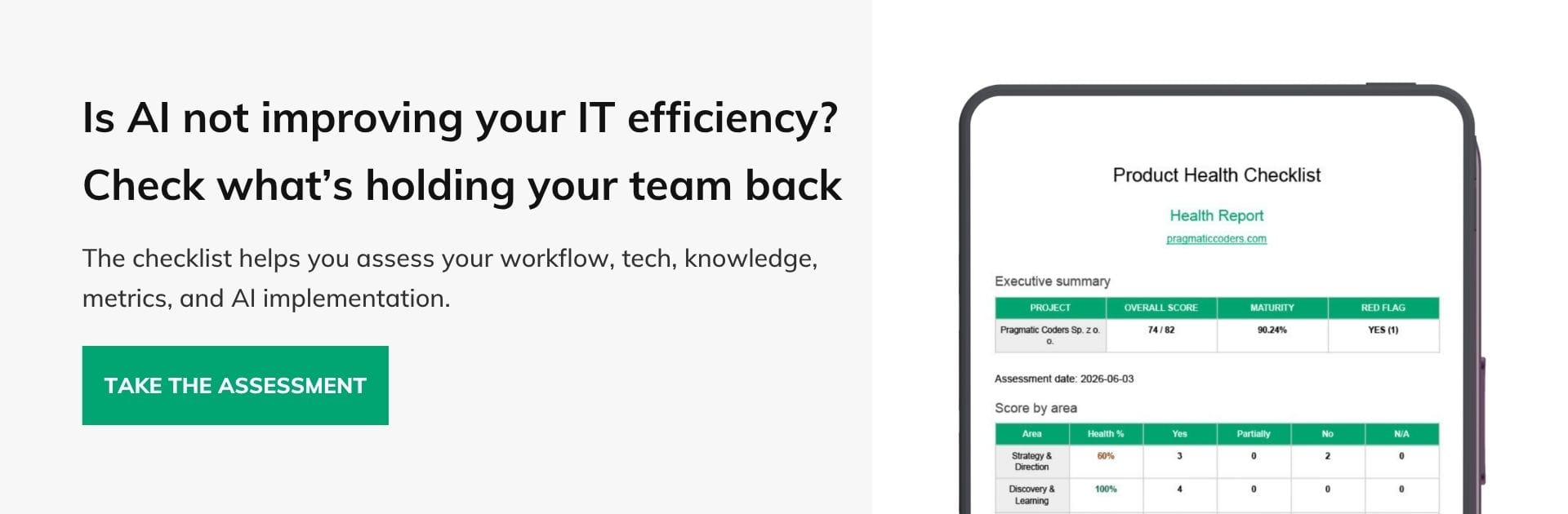
A structured review with the team makes those situations easier to spot. Our Product Health Checklist walks through strategy, discovery, delivery, collaboration, and ownership. Take the assessment and use it to review the situation together.